

Feather
Your spreadsheets.
A little more room.
A lightweight, native Mac spreadsheet for everyday work. Edit, calculate, explore, and keep your files close.
See Feather in action
English audio · English / Arabic captionsIncludes app-size and viewing-memory measurements from one Mac, not general performance promises.
Film summary & measurement context
The film shows an earlier build; current download sizes are listed below. The film includes app-size and post-open viewing-memory comparisons measured on 4 November 2026: one M1 Pro Mac, two workbooks, three fresh sessions per app per workbook; Excel was view-only. These are specific observations, not editing-speed, peak-memory, or universal performance claims. Screen transitions are editorial animation.
The film introduces Feather, shows its measured app-file size, and compares short post-open viewing memory for a 100,000-cell workbook and a 50,000-point chart workbook. The tests used Feather 1.0 (1100) and Excel for Mac 16.113.2 on an M1 Pro with 16 GB memory, macOS 26.6.2. Excel editing and saving were not tested.
It then shows real Original, Focus, editing, and Midnight interface states, followed by local XLSX autosave, version history, and Refresh from file. These edited transitions do not measure application speed. An earlier generated pivot fixture prompted Excel repair and was excluded from the comparison; advanced workbook compatibility still requires review.
14.01 MBInstalled app¹
MacApple Silicon
13+macOS 13 or later
.xlsxStandard workbooks
02 / THE WORKSPACESmall actions.
Small actions.
A clearer workflow.
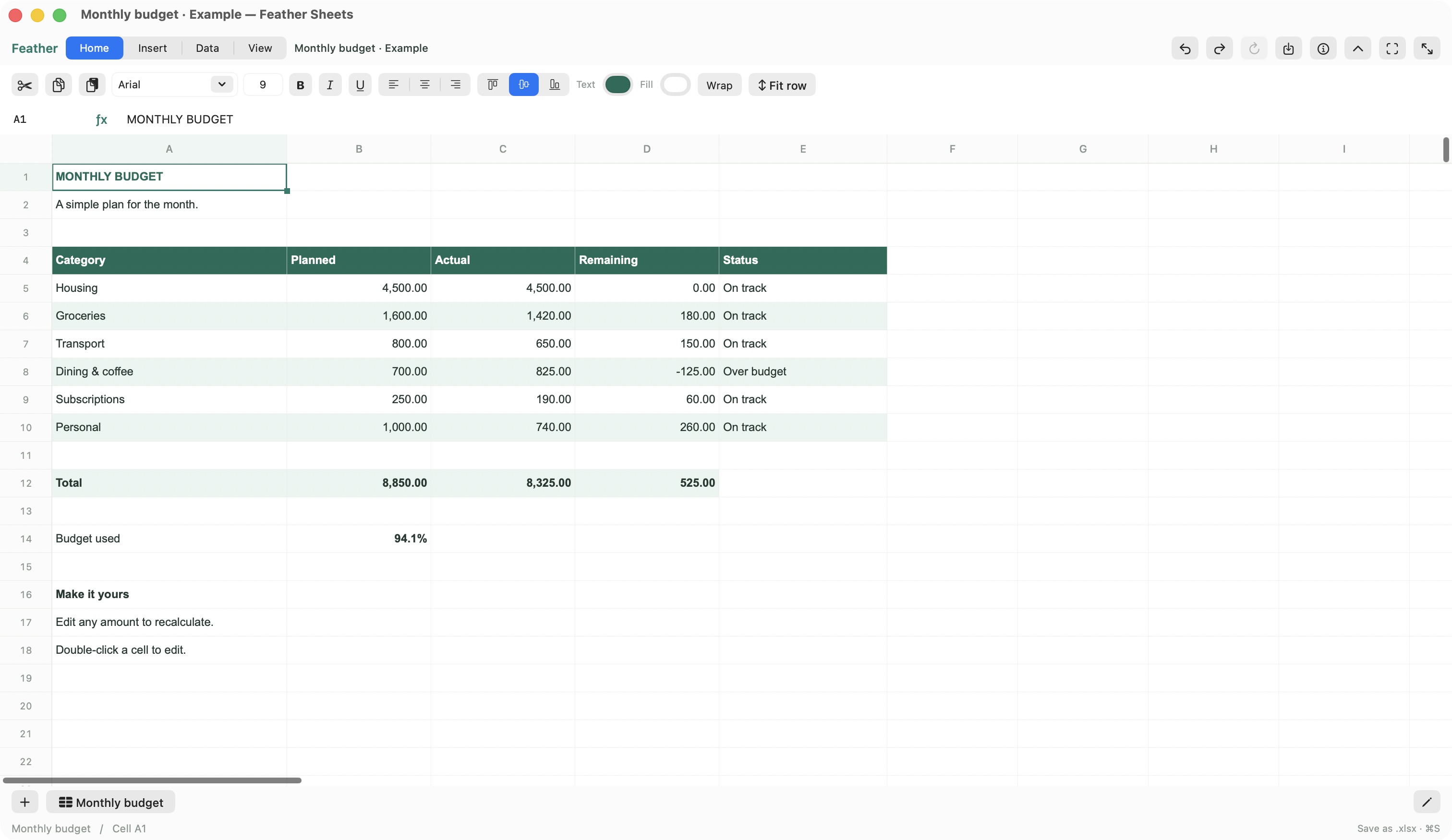
Make room for the sheet, follow a calculation, and turn cells into a chart. See the workflow take shape.
Workflows in motion
Keep the sheet in focus.
Hide a toolbar when you don’t need it. Bring it back when you do.
Illustrated workflows, not a screen recording or a speed demonstration. See a real app screen ↗
03 / FROM A CELL TO A REPORTEveryday work.
Everyday work.
Thoughtfully covered.
Illustrated workflows. Open any card for its capabilities and limits.
 01
Editing & formatting
Edit a cell. Shape the sheet.
- Styled in-cell editing and rich text; fonts, fills, alignment, borders, wrapping, rotation, and number formats.
- Format Painter, reusable styles, Find & Replace, Paste Special, fill, row/column resize and fit.
- Freeze panes, zoom, right-to-left worksheets, supported grouping, hiding, and editing protection.
Editing protection is not encryption. Complex imported formatting can have display limits.
 02
Formulas
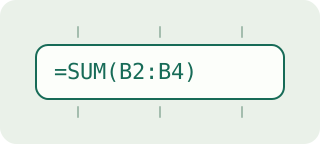
Build and follow calculations.
- Bundled local calculation engine, named ranges, structured table references, and supported dynamic arrays.
- Reference picking, absolute-reference changes, formula display, supported tracing/evaluation, and watched cells.
- 1900 and 1904 date systems; original formulas remain in the XLSX file.
Unsupported calculations may retain saved results until inputs change, then show #RECALC! instead of a stale answer. Full Excel formula parity is not claimed.
 03
Data tools
Import, clean, sort, and filter.
- CSV/TSV import preview with encoding, delimiter, and column-type choices.
- Multi-column sorting, filters, validation, duplicate removal, Text to Columns, bounded example fill, and subtotals.
- Real Excel tables with supported styles, totals, calculated columns, and adjacent-row expansion.
CSV/TSV do not retain workbook styling or multiple sheets. Repeatable queries, Power Query, and external database connections are outside scope.
 04
Charts
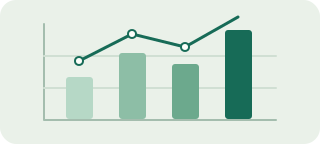
Turn ranges into charts.
- Create and edit bar, line, area, pie, and scatter charts; move and resize chart objects.
- Supported labels, legends, linear axes, trendlines, fixed/percentage error bars, column/line combinations, and secondary value axes.
- Line, column, and win/loss sparklines; insert and position common image formats.
Histogram/waterfall editing and advanced axes or unsupported drawing effects are not included. Preserving an object does not mean Feather can render or edit it.
 05
Pivot tables
Summarize by rows and columns.
- Create basic pivot tables with row/column fields, value aggregations, and item filters.
- Rearrange fields, explicitly refresh source data, and format generated results.
- Convert a pivot to values through an undoable edit.
Source edits do not refresh the pivot automatically. Advanced grouping, slicers, timelines, PivotCharts, external/cube sources, and richer imported metadata remain unsupported or read-only.
 06
Analysis
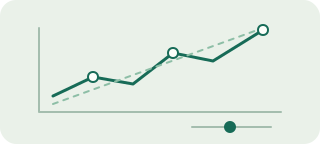
Try assumptions. Explore results.
- Common numeric Goal Seek and scenarios with 1–32 input cells on one worksheet.
- Static sensitivity snapshots for exploring assumptions.
- Descriptive statistics and regression reports.
Sensitivity outputs are snapshots, not live Excel data-table objects. Complex imported scenarios and cross-sheet assumption sets are guarded.
 07
Printing
Set the page. Export PDF.
- Paper, margins, orientation, scaling, print areas, manual page breaks, headings, and gridlines.
- Common repeating rows/columns and formatted text headers/footers with page and date fields.
- Searchable PDF preview, Save PDF, and the native Mac print dialog.
Header pictures/effects, printed comments, and some printer settings are omitted from Feather’s PDF. Fit to Pages overrides manual breaks; complex print areas have limits.
 08
Recovery
Save, restore, and refresh.
- Local autosave for saved documents, prior XLSX versions, and undoable restore.
- Local checkpoints for unsaved work and unfinished editor text; recover to an untitled copy for review.
- Refresh from file with external-change protection; storage and retention controls.
Refresh does not merge simultaneous edits. Local save does not prove completed iCloud sync. History and recovery have retention/storage limits and are not a separate backup service.
04 / THE IDEAThe spreadsheet I wanted
The spreadsheet I wanted
to open.
I wanted a small, native Mac app for everyday spreadsheet work: local files, familiar editing tools, and more room for the sheet. That idea became Feather.
At home on the Mac
Your files, locally
05 / KNOW BEFORE YOU OPENSmall footprint.
Small footprint.
Clear boundaries.
Verified against the signed and notarized 1.0 download, build 1100.
Full specifications & file supportPackage size, requirements, and supported formats
- Installed app¹
- 14.01 MB · 14,009,814 bytes
- Packaged ZIP¹
- 6.19 MB · 6,192,499 bytes
- Mac requirements
- Apple Silicon (arm64), macOS 13.0 or later. No Intel, Windows, or web edition is included. Runtime-tested on Apple Silicon/macOS 26.5.2; other OS versions have not been runtime-verified.
- Runtime
- macOS frameworks and bundled components. No downloaded runtime or account needed for local work.
- Main file format
- Open and save supported .xlsx workbooks. Legacy .feather files are read only for migration to XLSX.
- Exchange & output
- CSV/TSV import; searchable PDF output and native printing. PNG, JPEG, GIF, TIFF, and BMP image insertion.
¹ Decimal MB; total app-file bytes and ZIP bytes measured separately. The installed figure includes the engine, native helper, fonts, and notices. It excludes workbooks, local history/recovery, and process memory. It is not allocated disk space or a RAM requirement.
Workbook & compatibility limitsWorkbook limits and unsupported formats
- The earlier generated Pivot-50k.xlsx fixture triggered Excel’s content-repair prompt. That interoperability case remains unresolved; verify generated pivots before exchanging important files.
- XLSX: 50 MB compressed, 150 MB expanded, 200,000 stored cells, 100 sheets, 100,000 rows, and 16,384 columns. These are limits, not a guarantee for every workbook within them.
- Legacy .xls, macro-enabled .xlsm, VBA, Power Query/Power Pivot, external connections, linked-workbook recalculation, live collaboration, and bundled AI are outside this build.
- Preservation, rendering, calculation, and editing are different capabilities. Unknown imported parts may be retained without being editable or visible. Complex structural changes can be blocked to protect unsupported content.
- Missing fonts may substitute; Microsoft fonts are not bundled. Some number formats display approximately. Advanced charts, pivots, and print settings need compatibility review.
Chart, pivot, print, and recovery limitsObject capacity and retention policies
- Pivots: 64 source fields, 200,000 source data cells, up to four row fields, three column fields, four measures, 100,000 result cells, and 20 pivots per sheet.
- Charts/drawings: 16 series, 100,000 total chart points, and 1,000 objects per sheet. Image insertion: 20 MB / 80 million pixels. Sparklines: 1,000 groups / 10,000 locations per sheet, with bounded previews.
- Printing: up to 32 areas, one million cells per area, 1,000 pages, and a 100 MB PDF. Complex title bands and print-area expressions have limits.
- Default history: up to 20 versions per file / 30 days within a 200 MB global budget. Inactive recovery: up to 10 copies / 14 days / 100 MB; active drafts remain protected within the budget. Retention can be configured.
06 / AVAILABILITY
Download Feather 1.0 for Apple Silicon Macs. Free for personal, educational and commercial use under the included terms.
Signed with Developer ID, securely timestamped and notarized by Apple, with the ticket attached. Terms and third-party notices are included.
How to installThree steps, no account needed
- Download the ZIP and extract it.
- Move Feather Sheets.app to Applications.
- Open Feather and start a new sheet or a supported XLSX workbook.
Private source. Native app.
Feather’s source code is private. This page showcases the desktop application; it does not provide an online spreadsheet editor or a source-code release. Bundled third-party components retain their own licenses.