Open by click or hover
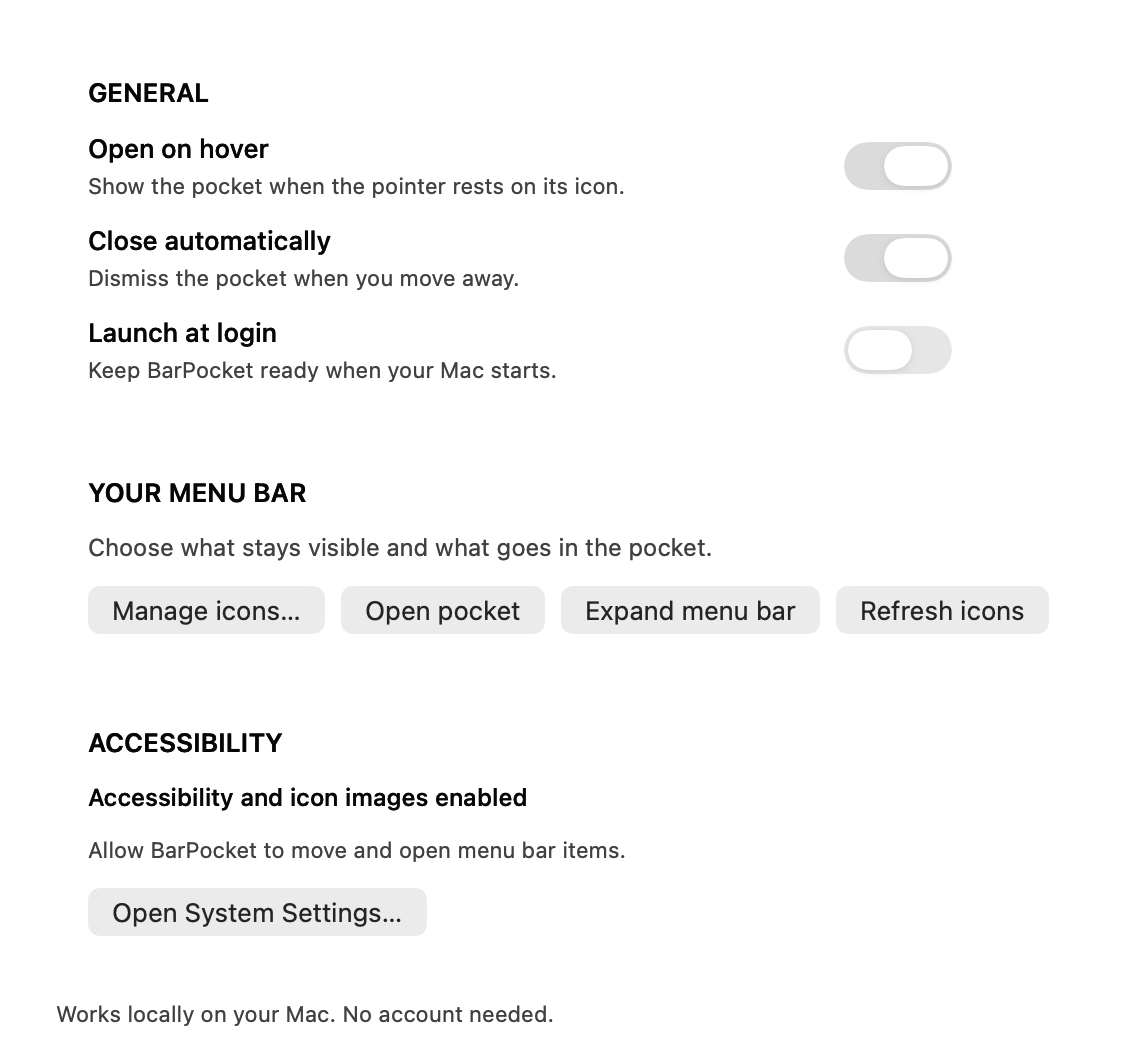
Bring the pocket into view when you need an icon. Optional automatic closing keeps it out of the way afterward.
 BarPocket
A small Mac utility that keeps less-used menu bar icons in a pocket below the bar, where the notch can't hide them.
MIT-licensed source
Build on your Mac
Accessibility and Screen Recording permissions
The menu bar fills up quickly. BarPocket gives less-used icons a place below it, with access to the original app menus and a simple way to move an icon back when you need it.
Silent animated demonstration using native Mac icon artwork and interface assets.
Opening the pocket and an app menu, dragging an icon into the menu bar and back, a changing status badge, and the appearance settings.
Bring the pocket into view when you need an icon. Optional automatic closing keeps it out of the way afterward.
Click an icon to activate the app's own menu. Real icon artwork keeps familiar shapes and coloured badges recognizable.
Drag an icon into the menu bar to keep it visible, or move it back into the pocket. Settings also provides icon-management controls.
Icon artwork comes from local still captures. There is no account, analytics service, image upload, video stream or audio capture.
Use the divider to keep less-used icons out of the visible menu bar.
Click or hover over BarPocket, then choose the icon you need.
Drag it back to the menu bar. Return it to the pocket when you prefer a quieter bar.
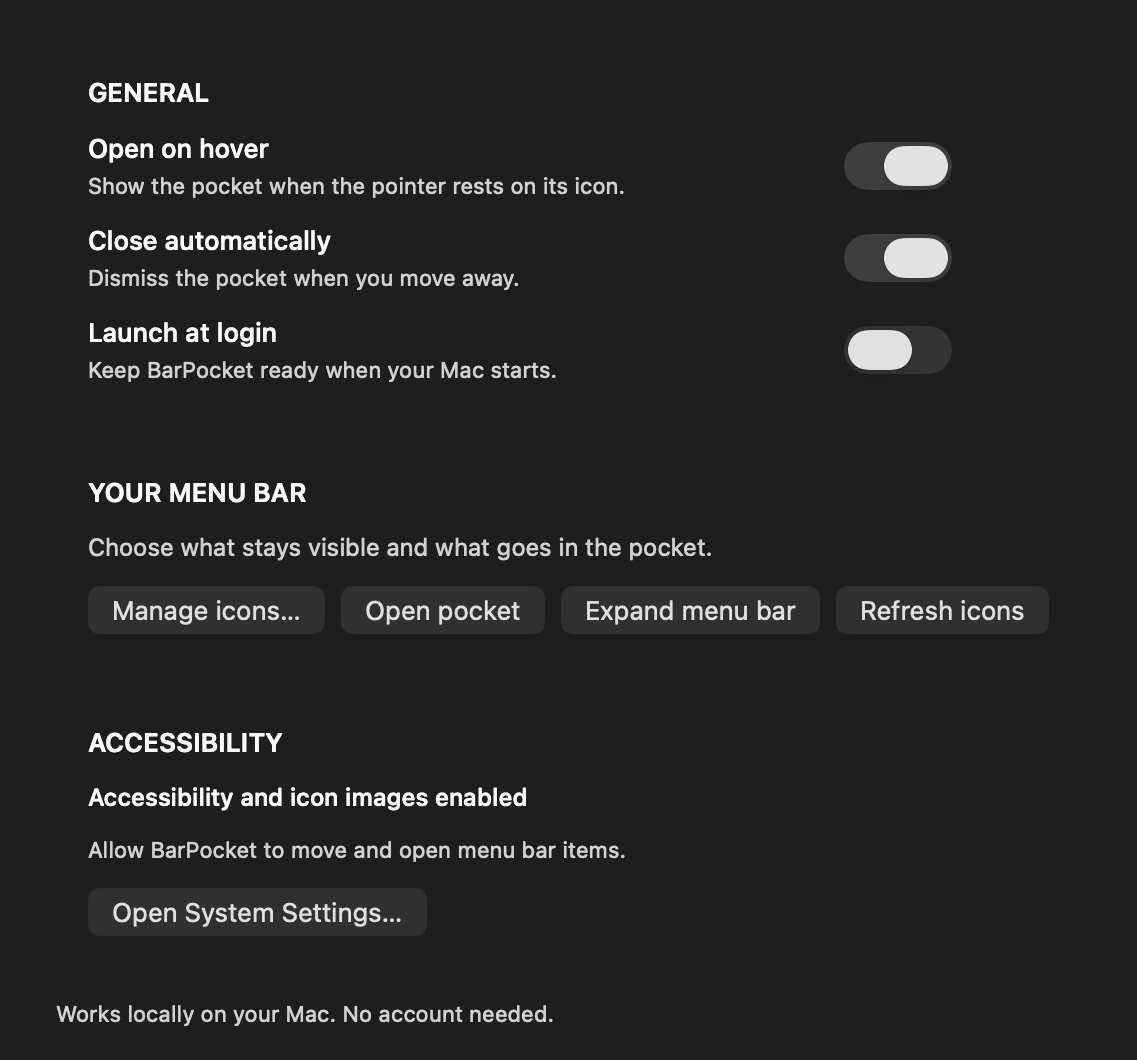
Hover opening, automatic closing and launch at login, in a native Mac settings window.
BarPocket is an MIT-licensed source release for macOS 14 or later. Build instructions are on GitHub; there is no notarized public installer yet. Menu-bar access requires macOS permissions, and the implementation uses system interfaces that may change in future macOS versions.
Open the project on GitHub